The class store, in one window
This is a prize shop running in a class. The prizes stand on the shelves with their prices, and every student's gems are listed on the right.
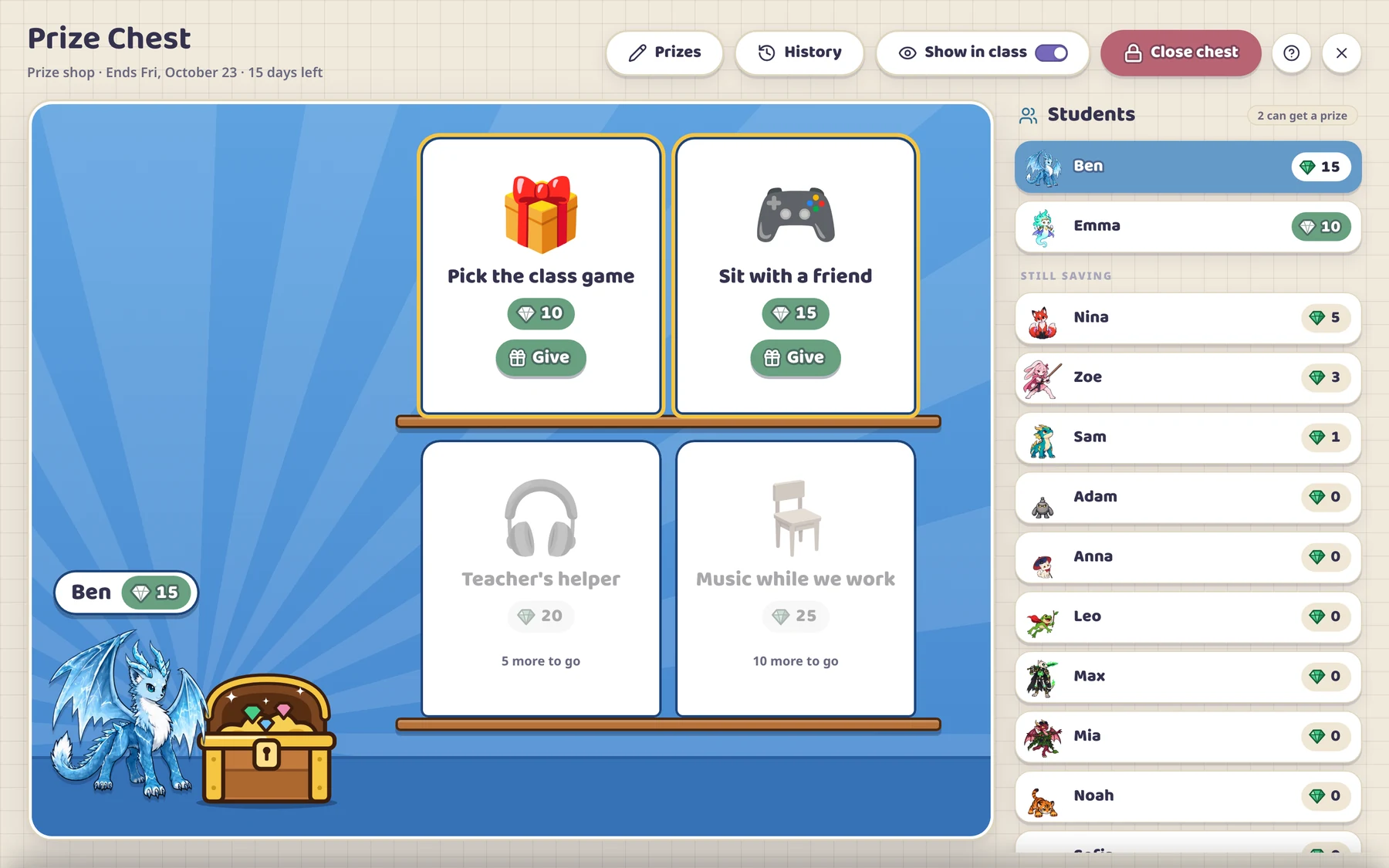
Every point you give a student also puts a gem in their savings. When they have saved enough, they pick a prize from the list you made, and you press Give. Learnify keeps every count, so there is no paper money to print or collect.
The Prize Chest is part of Learnify, a classroom management app for ages 5 to 18. It works on the free plan for one class of up to 30 students, and students need no devices or accounts.
By Rey, a teacher who makes Learnify.
This is a prize shop running in a class. The prizes stand on the shelves with their prices, and every student's gems are listed on the right.
In your class, open Activities and pick Prize Chest. Choose Prize shop, and decide how long it runs.
Name each prize, pick its picture and set its price, from 5 to 100 gems. A chest holds up to 24 prizes, and the ones you make are kept for next time and for your other classes.
One point you give is one gem, whether it comes from a point button, the wheel or a quiz game. Bonuses and the rewards the app pays out on its own add no gems.
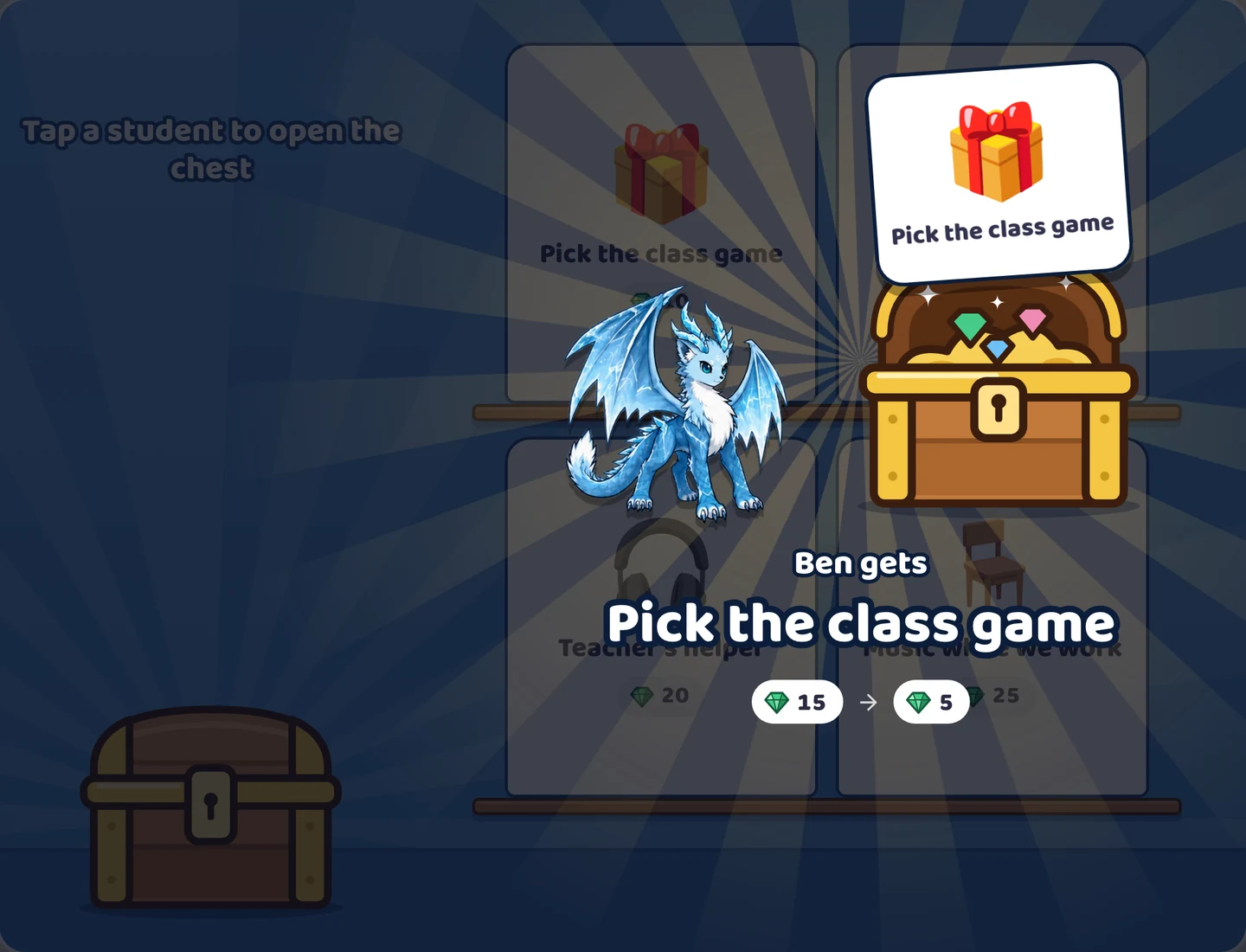
When a student has enough, tap their name, then Give on the prize they chose. The gems come off, and their points and their character's level stay where they were.
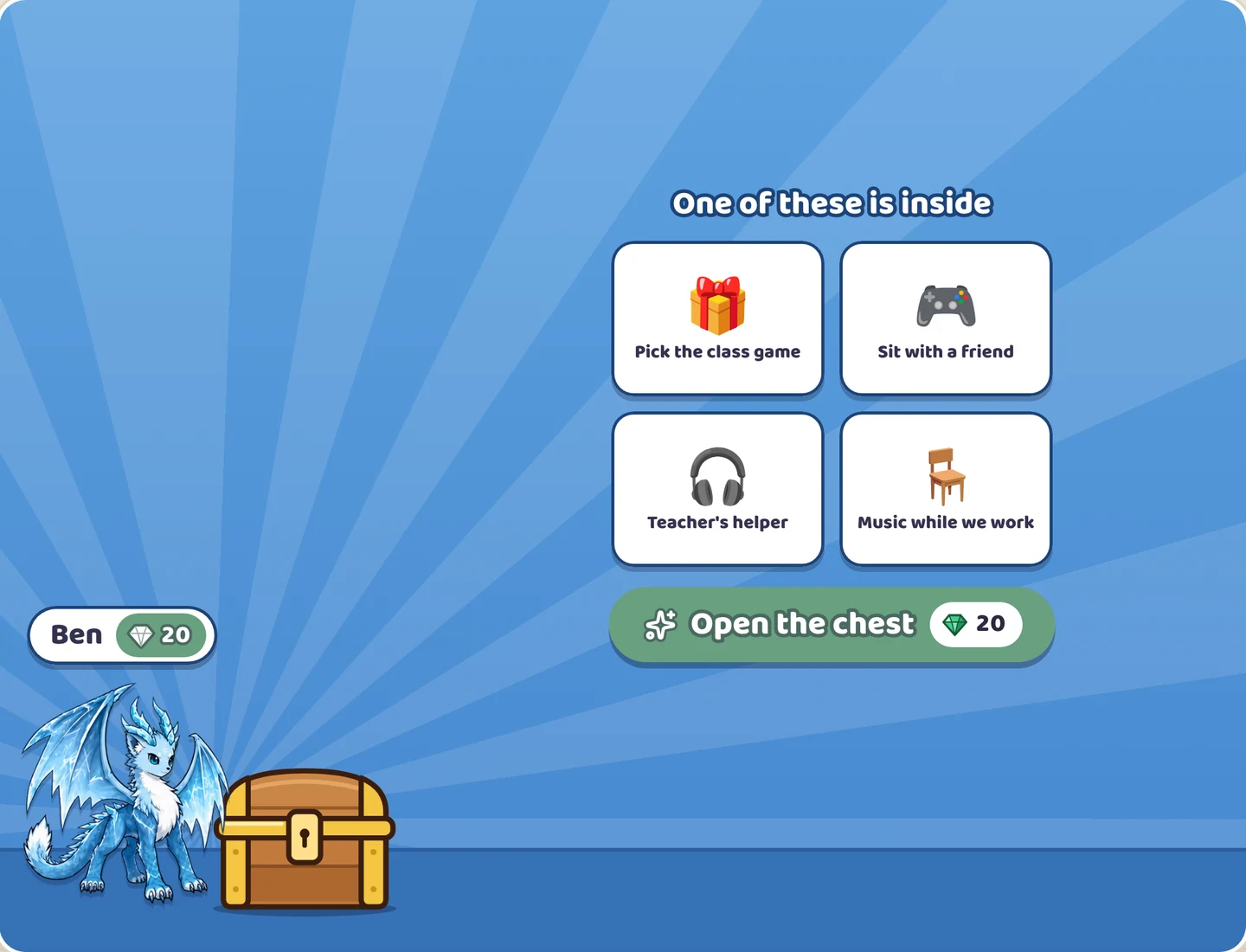
Every chest turns points into gems. What changes is who saves and who picks the prize.
A week, two weeks, a month, a date of your own, or no end at all. On the last day you give out what the students saved for, and the gems go back to zero. Points and levels stay as they are. With no end, gems keep adding up and you close the chest when you want.
If they do, a minus point takes the same number of gems from that student, and nobody goes below zero. If they don't, gems only go up. Points work as they always do either way.
When you set a price, Learnify shows about how many lessons it takes at your class's pace.
Switch on Show in class and the chest stands on the class screen with its prizes and prices, cheapest first. Each student's gems appear on their own card.
Yes. The Prize Chest works on every plan, including the free plan for one class of up to 30 students.
Whatever you name. A privilege works as well as a thing, such as picking the class game or sitting with a friend for a lesson.
No. You run the chest from your laptop, and on the class screen if you like. Students have no logins or passwords.
When a chest ends, you give out the prizes students can still get, then start again from zero or close it. Unspent gems are cleared, and points and levels stay.
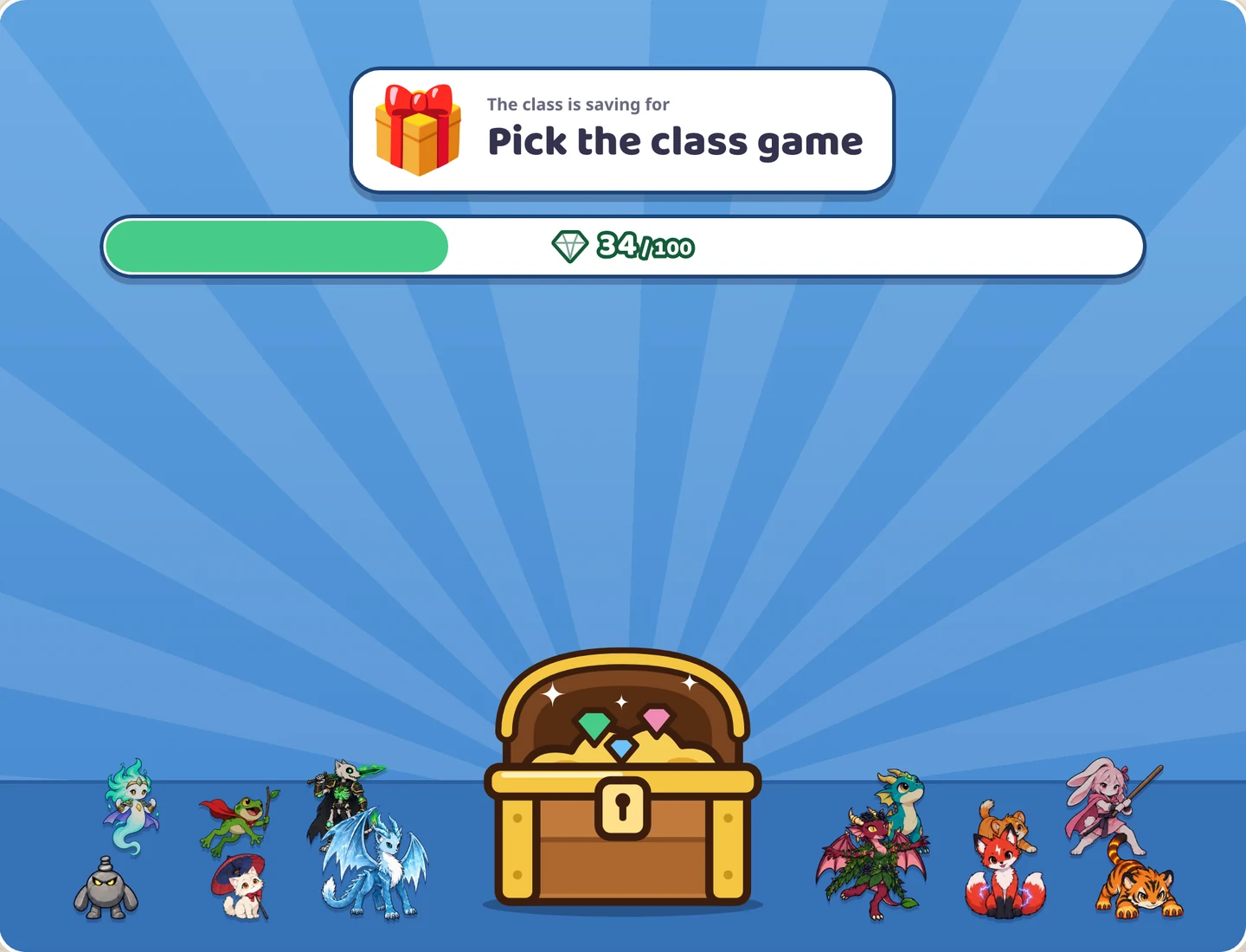
Yes, with a class chest. Everyone's gems go into one pile for the prize you set. See whole-class rewards.
Free for one class of up to 30 students, with no student devices or accounts.