✦ QUIZ GAMES · FREE ON EVERY PLAN

Review games for the whole class, on one screen

Type your review questions once and play them as a game on the class screen, in teams or with the whole class. Nobody needs a phone or a login: you run it from your laptop on a TV, a projector or a smartboard.

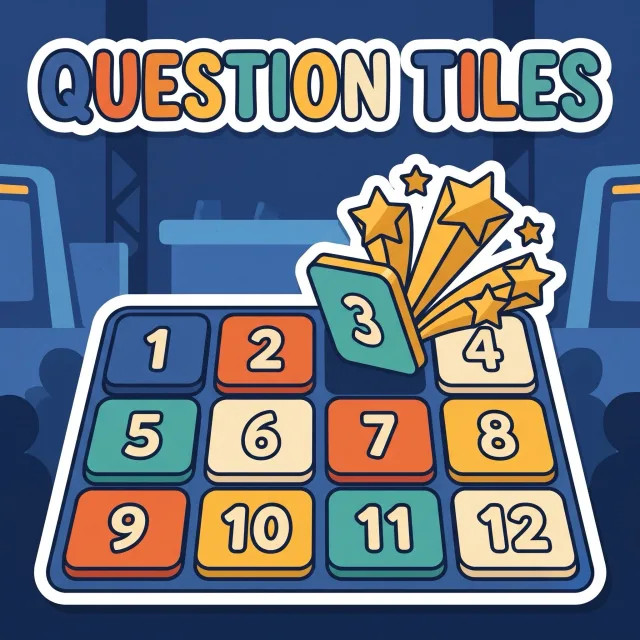
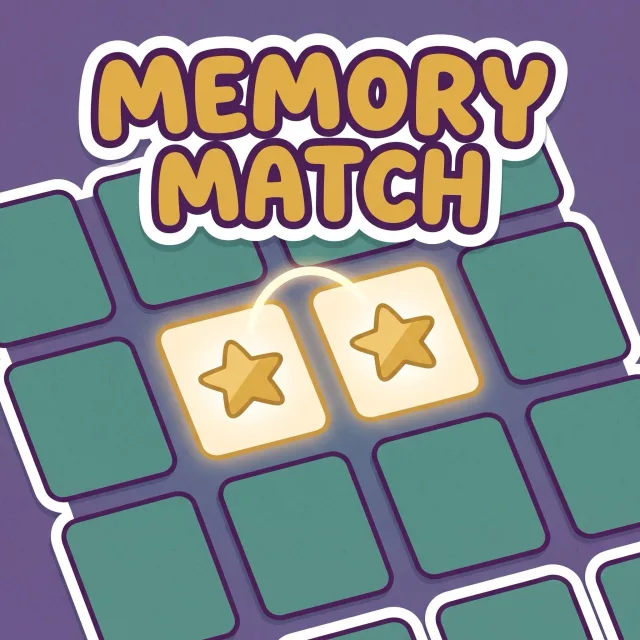
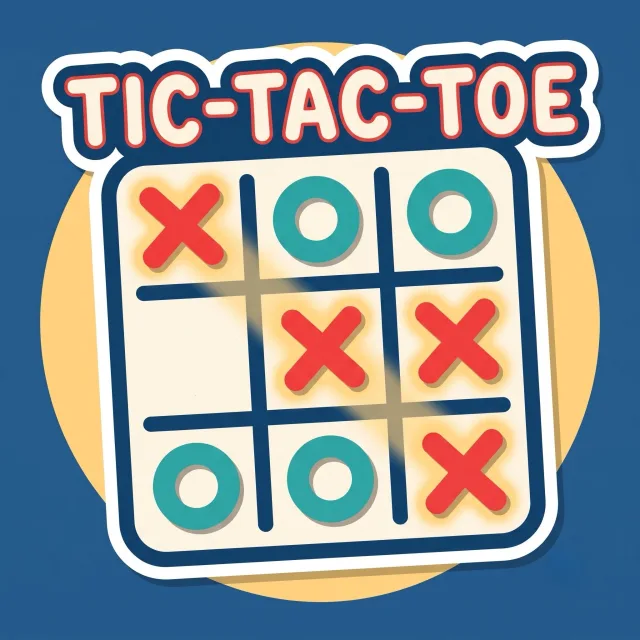
The quiz games are part of Learnify, a classroom management app for ages 5 to 18. Question Tiles, Memory Match, Tic-Tac-Toe and Practice Mode are free on every plan, with no monthly limit.

By Rey, a teacher who makes Learnify.

Three free games from one set of questions

A game in Learnify is just your questions. You choose how to play them when you start.

Practice Mode runs the same questions as flashcards, one at a time, with the answer hidden until you show it. There are no teams and no score, so it suits revision. A paid plan adds Street Hoops, Golden Goal and Strike Night, for 2 to 8 teams.

How a round works

  1. Pick the game

    Open your question set and press the card of the game you want. Practice Mode has its own button under the cards.

  2. Make the teams

    Learnify splits the students marked present into two teams. Slide to any number from 2 to 8, reshuffle with Random, or tap a student to move them.

  3. Play on the class screen

    Press Let's Play. Each question comes up big on the class screen, and from your laptop you click the answer the team gives, or mark an open answer right or wrong.

  4. Points go to the students

    Every student on the winning team gets the Learnify points you set, and 2nd and 3rd place can get some too. In a whole-class game everyone gets the same. Back in the class, a window shows who earned what.

Where the questions come from

Why one screen

Questions

Is it free?

Yes. Question Tiles, Memory Match, Tic-Tac-Toe and Practice Mode are free on every plan, as often as you like. The free plan covers one class of up to 30 students.

Do students need devices or accounts?

No. You run the game from your laptop on the class screen. There are no student logins, emails or passwords.

Can I use questions I already have?

Yes. Upload them as a CSV, or paste the link of a public game you made on another quiz site.

Do the games count toward the class points?

Yes. A finished game gives the students Learnify points, the same points that level up their characters.

What ages is it for?

Ages 5 to 18, the same as the rest of Learnify.

Play a review game with your class

Free for one class of up to 30 students, with no student devices or accounts.

Start free