Prize Chest is a new activity for your class, next to Boss Hunt, Race Track and the rest. While a chest is open, every point you give a student also puts a gem in it, and gems buy prizes you make yourself, like picking the class game or sitting with a friend. Points, levels and characters stay exactly as they are.
Open a chest
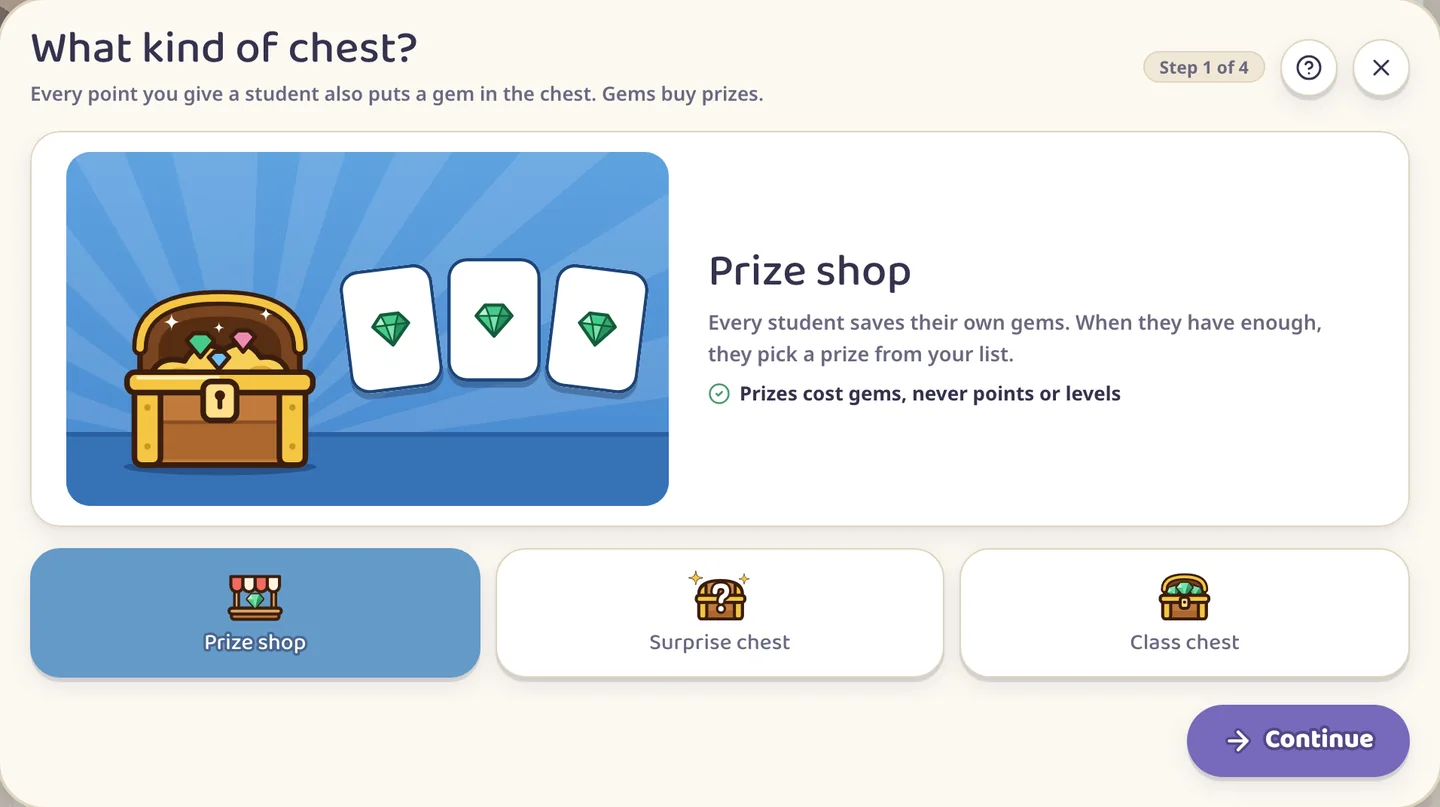
On the class screen press Activities and choose Prize Chest. A few short questions set it up, and the first one is what kind of chest you want.
Three kinds of chest
Prize shop: every student saves their own gems and picks a prize from your list when they have enough.
Surprise chest: every student saves their own gems. One price opens the chest, and the chest picks the prize.
Class chest: the whole class saves together, into one pile for one big prize.
A class runs one chest at a time.
Your own prizes
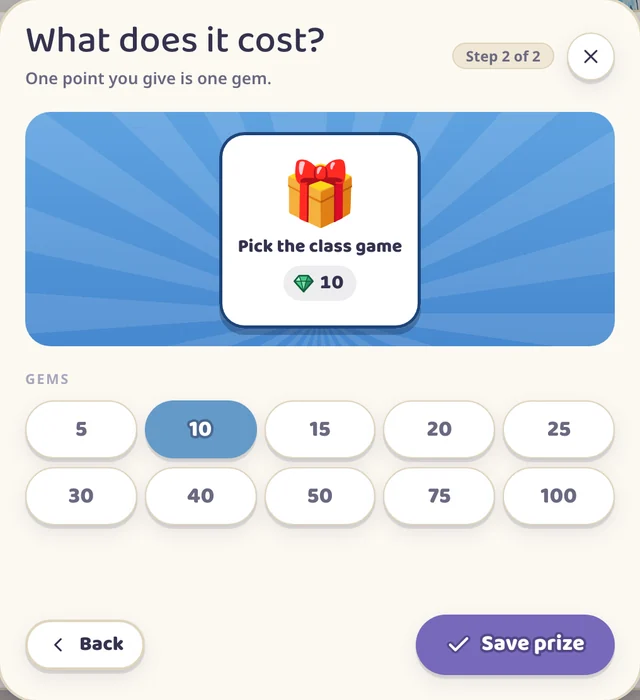
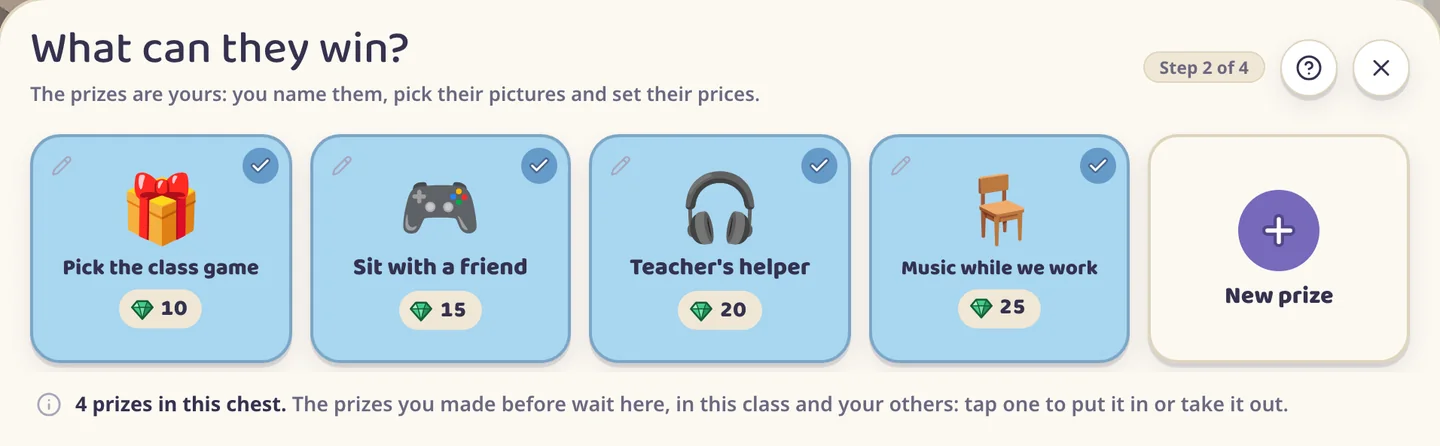
The app comes with no prizes of its own. You name each prize, pick its picture and set its price in gems. One point you give is one gem, so a prize for 10 gems takes ten points to earn.
Whatever you make is kept. The next chest, in this class or another, already has your prizes, and you tap the ones you want in it.
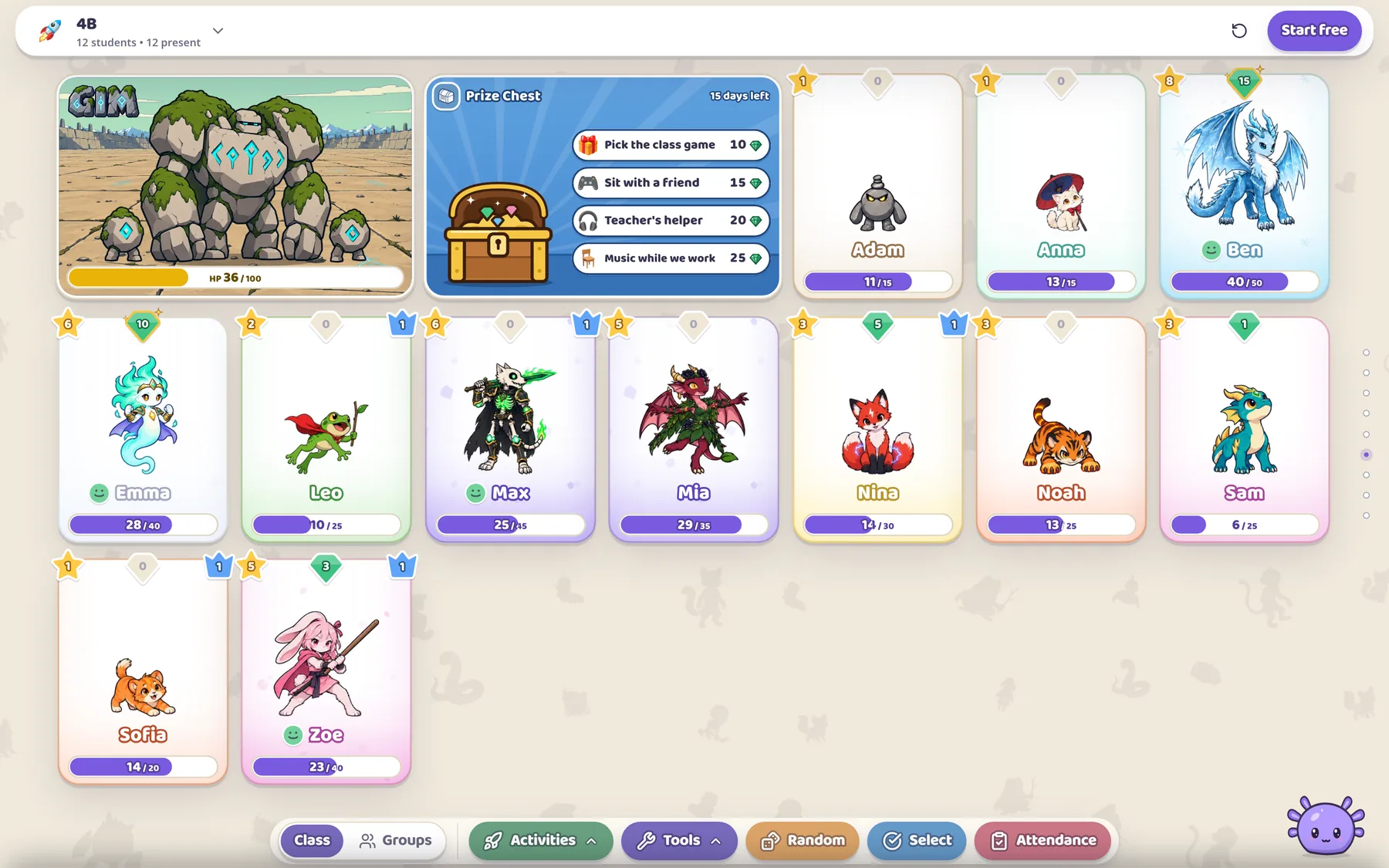
Four prizes, from 10 to 25 gems
Every point is also a gem
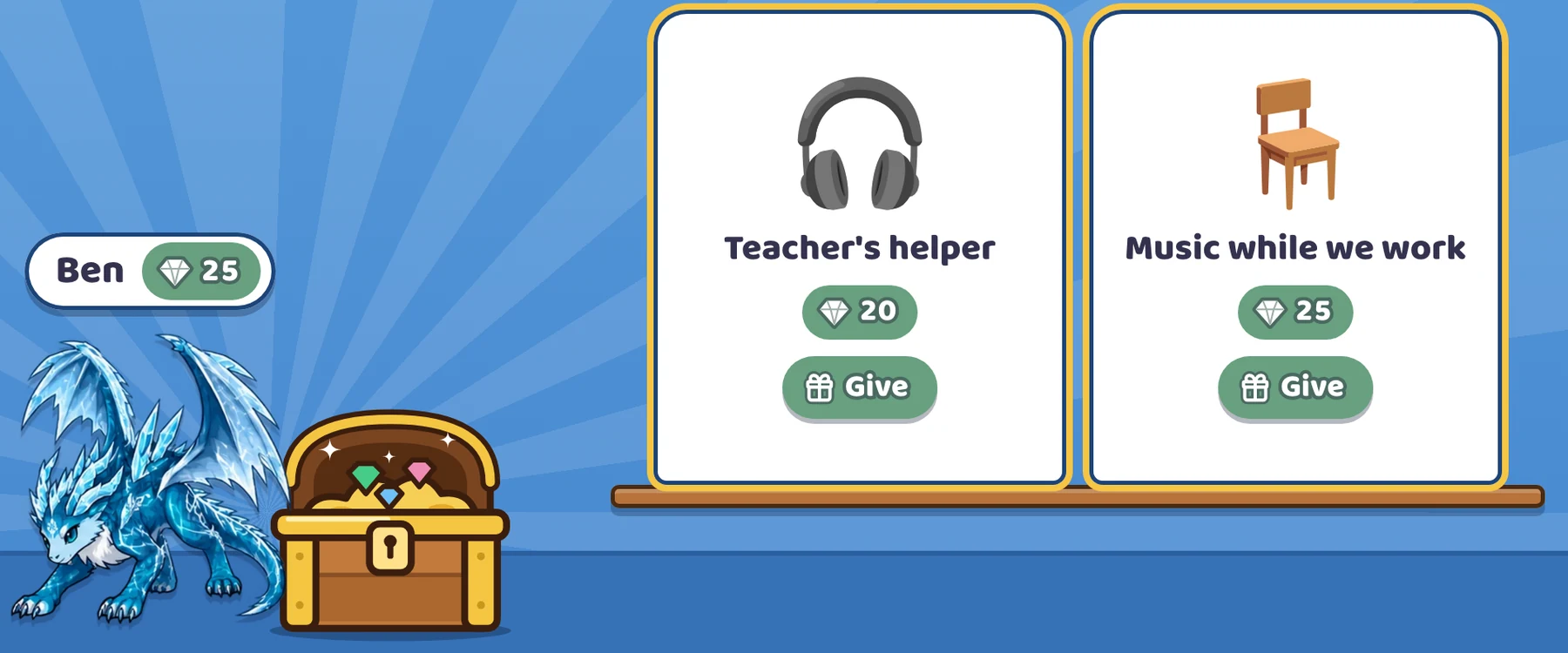
While the chest is open you give points the way you always do. Each one also puts a gem in that student's chest.
The chest's card stands on the class board, and each student's gems ride on their card
The green gem on a student's card shows how many they have. It turns grey at zero and gets a gold ring once the student can afford a prize.
A gem is the number on the button. Skill bonuses and Happy Day doubling raise the points and leave the gems alone, so two students who did the same thing get the same gems. Points the app pays out by itself, like the reward for beating a boss, add no gems.
Giving a prize
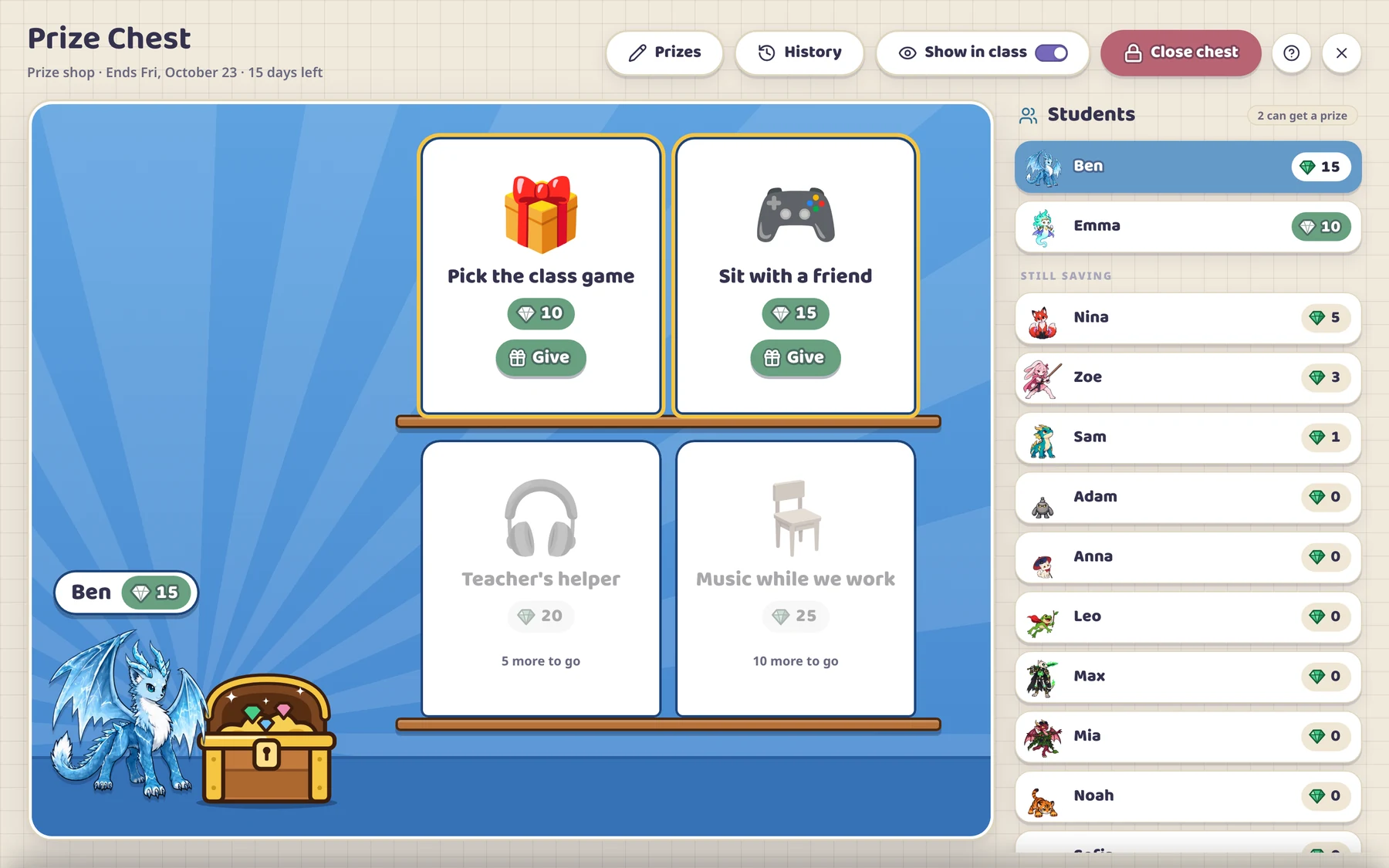
Press the chest's card on the class board and its window opens.
12345678
The students and their gems. Those who can get a prize stand at the top.
The student you tapped, next to the chest.
Prizes this student can afford. Give hands one over.
Prizes still out of reach, with the gems that are missing.
Prizes changes what is in the chest while it runs.
History lists every prize given and can take one back.
Show in class puts the chest's card on the class board or takes it off.
Close chest ends it.
Tap a student, then press Give under the prize they chose.
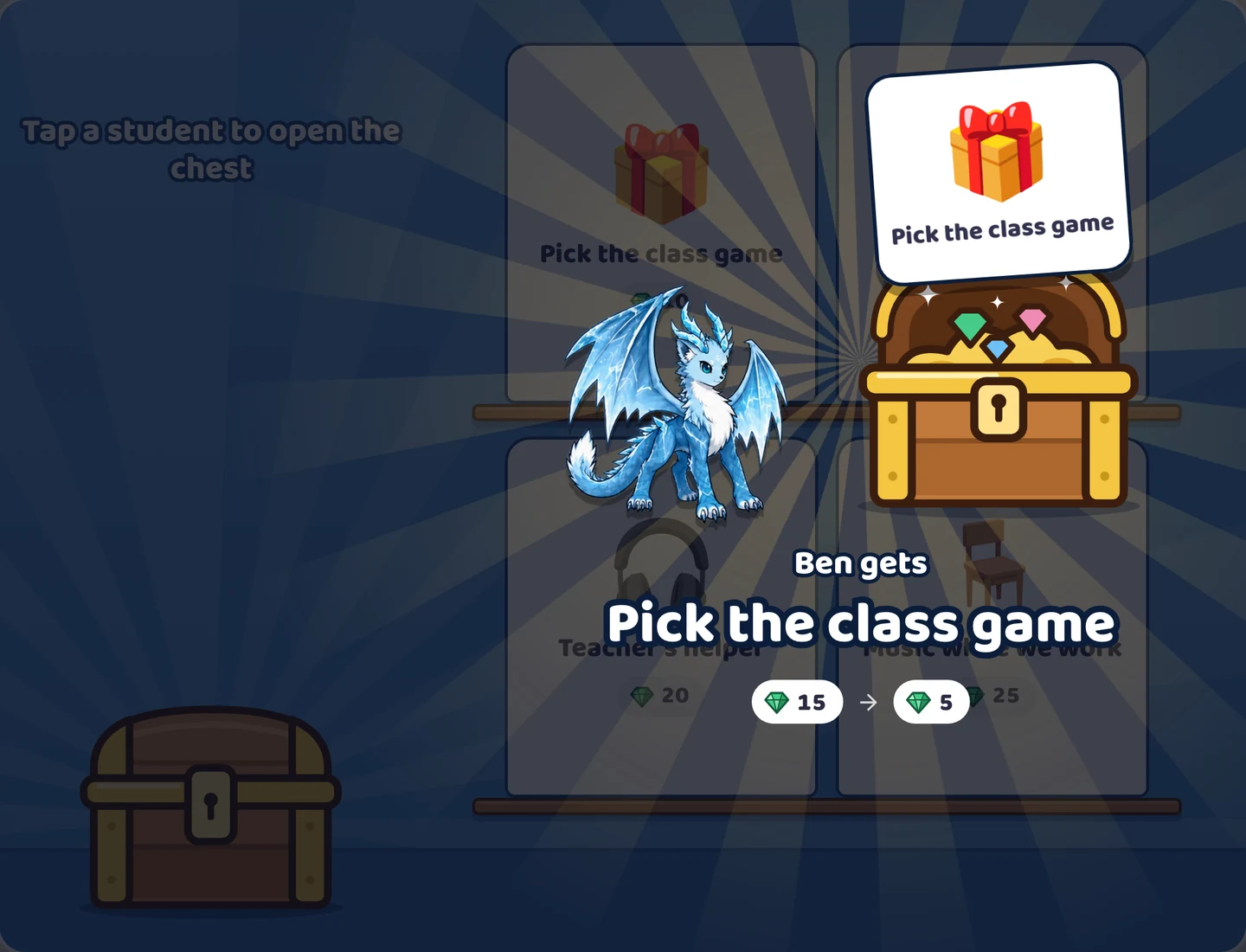
Ben trades 10 of his 15 gems for the class game
The gems come off, and the student's points, level and character stay as they are. If you tapped the wrong prize, Undo waits at the bottom of the window for six seconds. After that, History can still take the prize back.
Surprise chest and Class chest
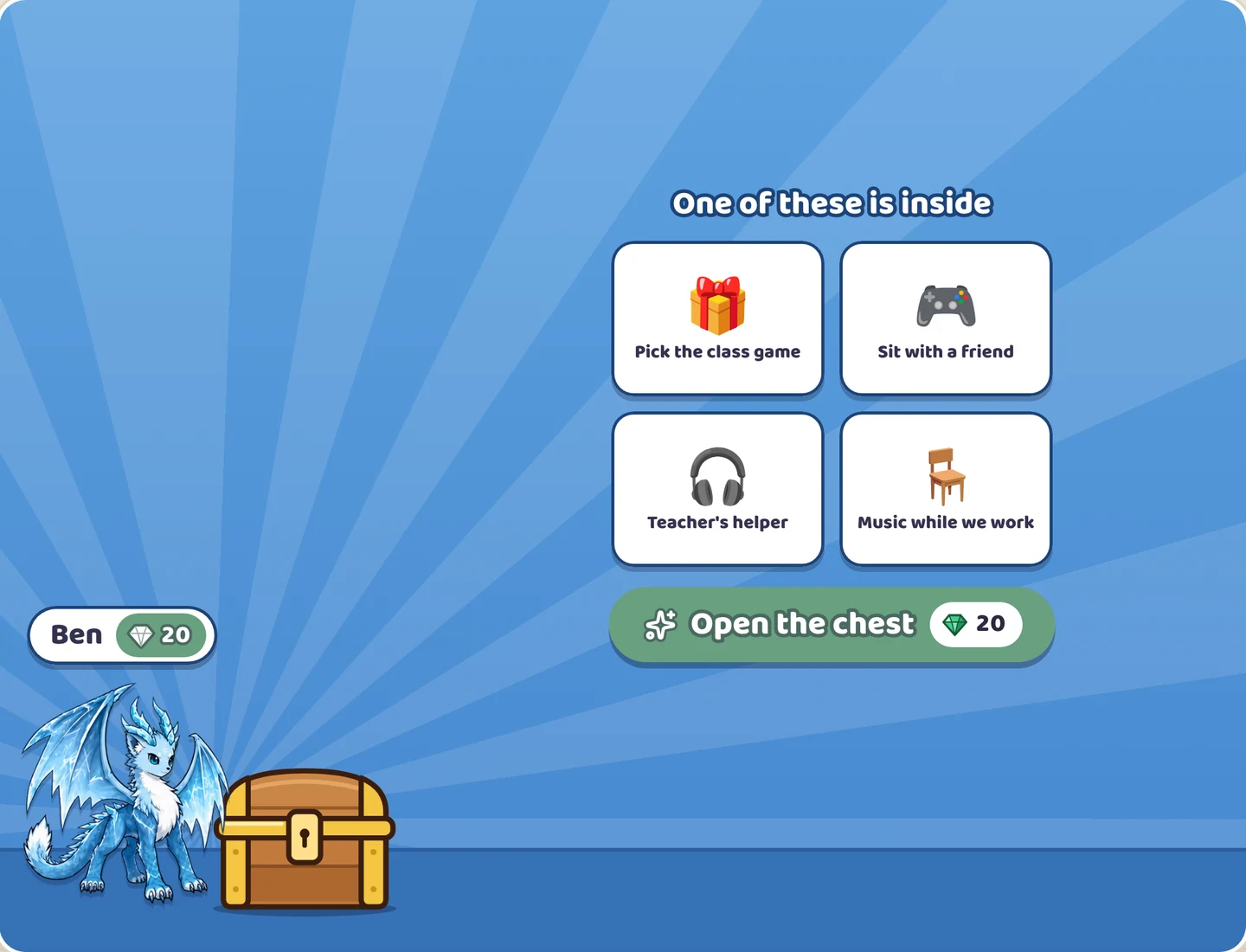
In a Surprise chest every opening costs the same, and the student does not choose. The chest gives one of your prizes, picked by chance.
Ben has the 20 gems one opening costs
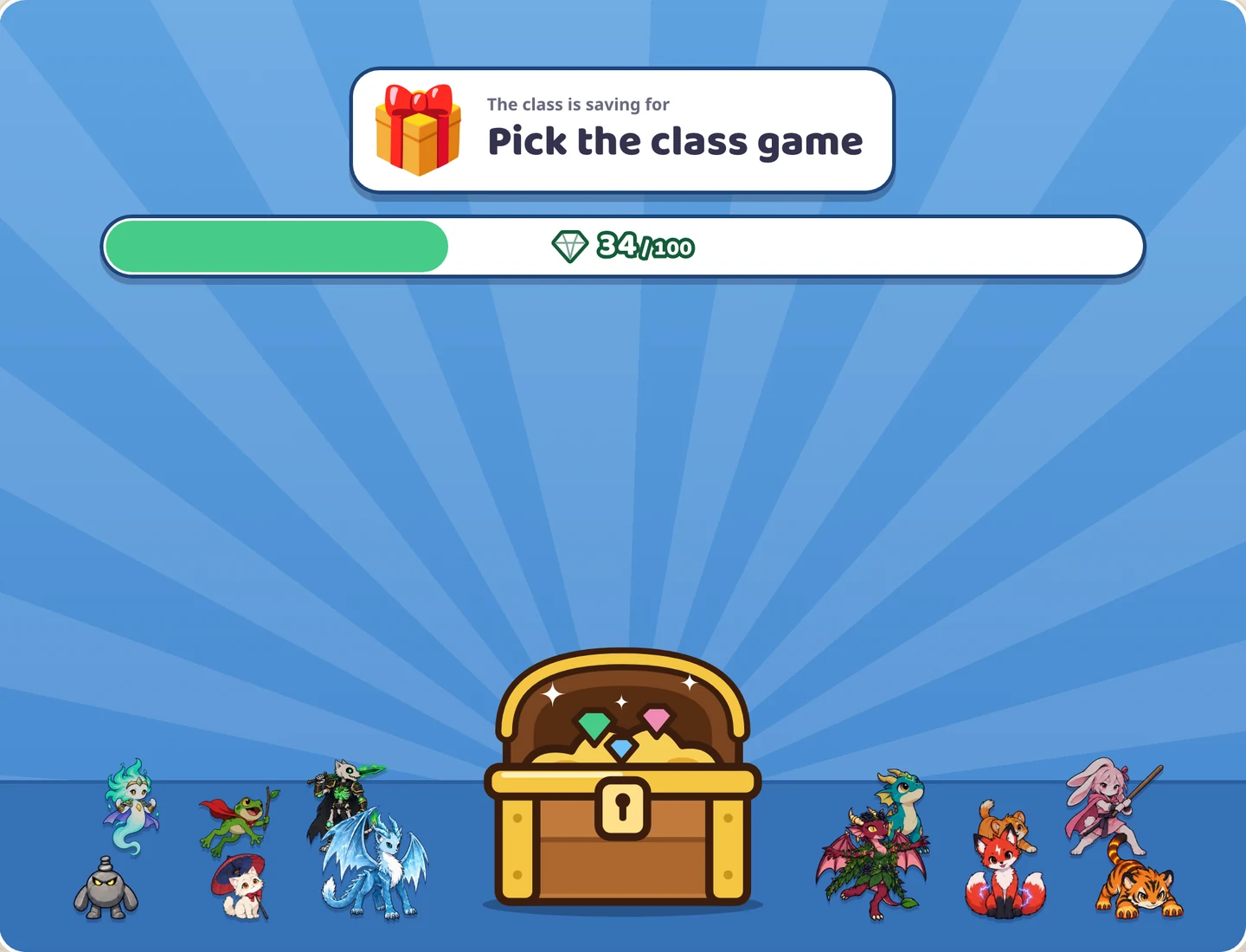
In a Class chest everyone's gems go into one pile. When the pile reaches the goal you set, you give the class its prize.
The class has 34 of the 100 gems for its prize
How long it runs
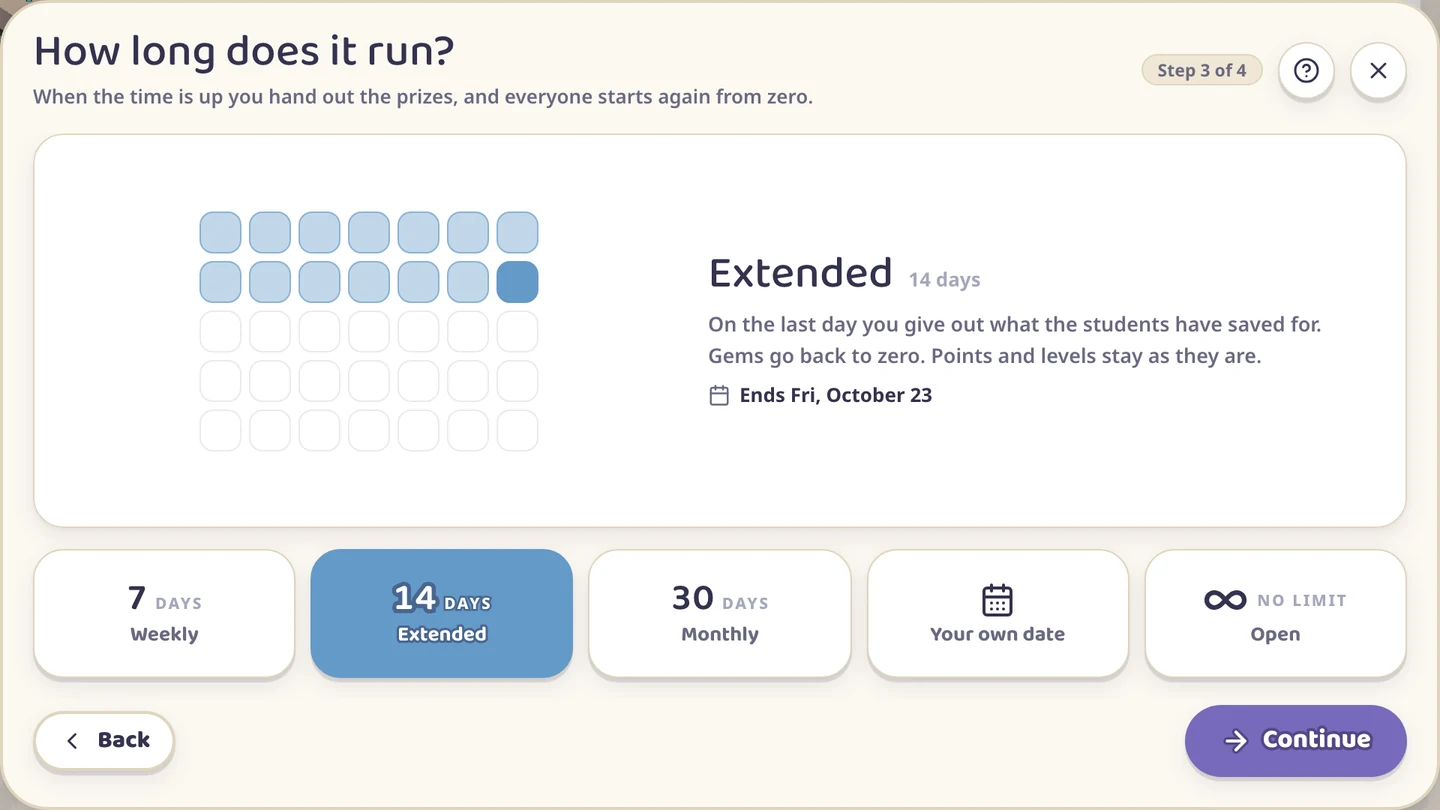
A chest runs for 7, 14 or 30 days, to a date you pick, or with no end.
When the time is up, the chest stops filling and its window tells you who can still get a prize. Hand those out, then press Start again: gems go back to zero and your prizes stay in the chest. Or close it.
The last question is whether minus points take gems back. Say yes when the chest is for behavior: a minus point then takes the same number of gems from that student, and nobody goes below zero. Say no and gems only go up.
GOOD TO KNOW
Prize Chest is on every plan, the Free one too.
Prizes cost gems, never points or levels. A student's character stays evolved.
Closing a chest clears the gems in it. The prizes you made are kept for the next one.
The question mark in the chest's window opens a short guide.