What goes where
Like every Learniverse game, it plays the quizzes you already have there. Open Learniverse and choose a quiz. On the Choose your game screen pick Rockets & Black Holes, set How many teams (two to eight) and press Let's Play! In the game the teams are called crews, and each crew flies one rocket.
 1
2
3
4
5
6
7
8
9
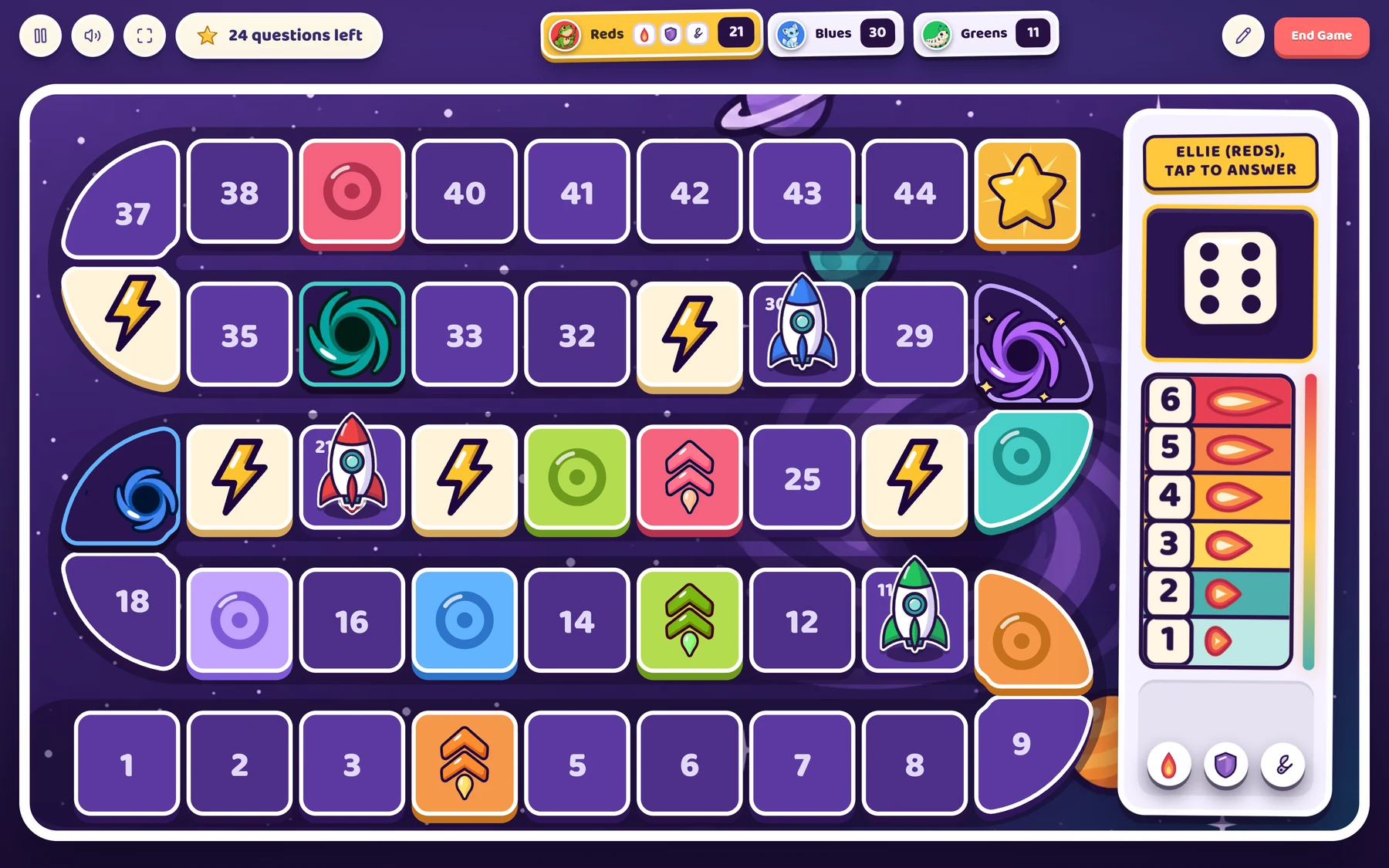
- The crews, each with the cell its rocket stands on. The gold one answers next, and the small icons are the power-ups it holds.
- How many questions the quiz still has.
- The road starts at cell 1 and winds up the screen to the star.
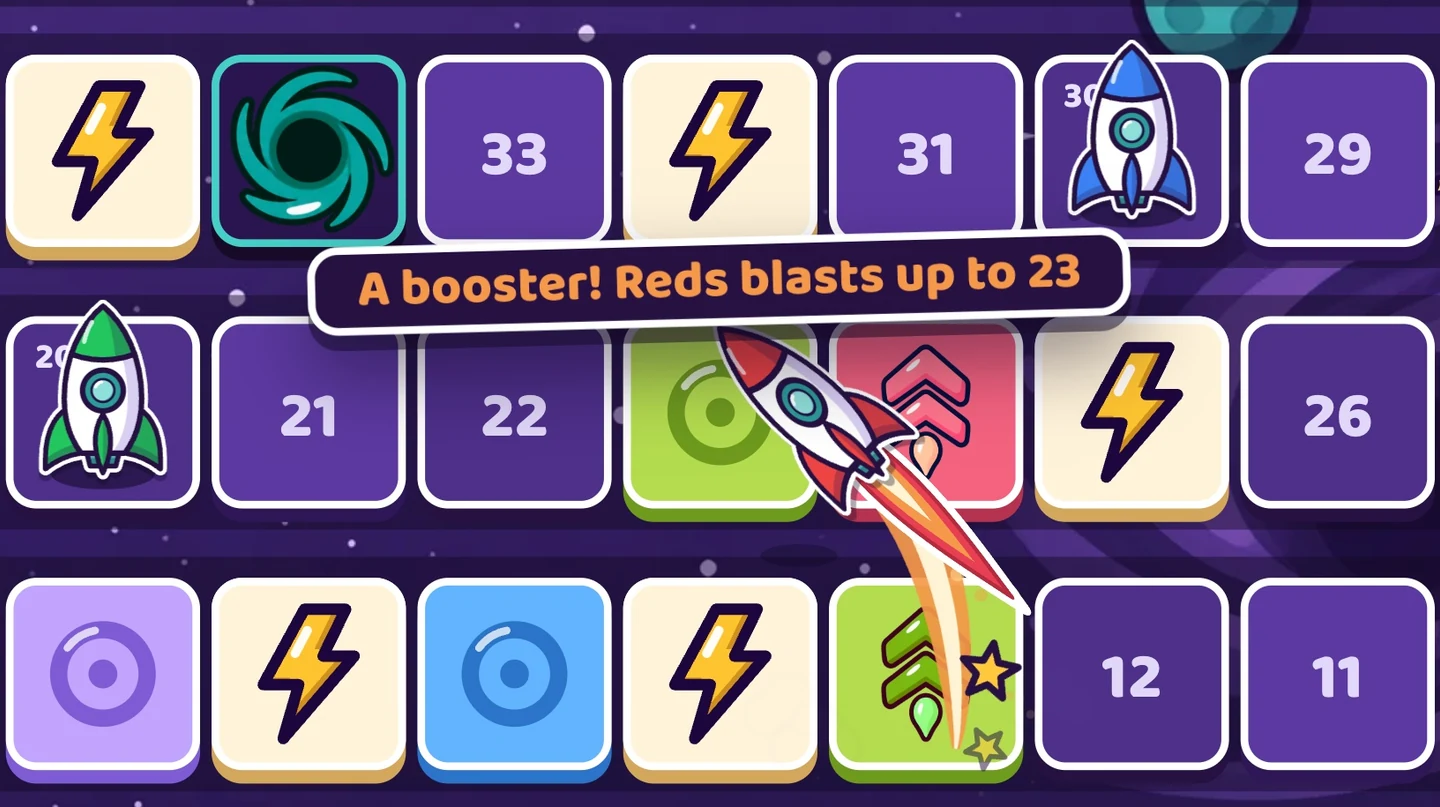
- A booster. A rocket that stops on it is thrown ahead to the ring of the same colour.
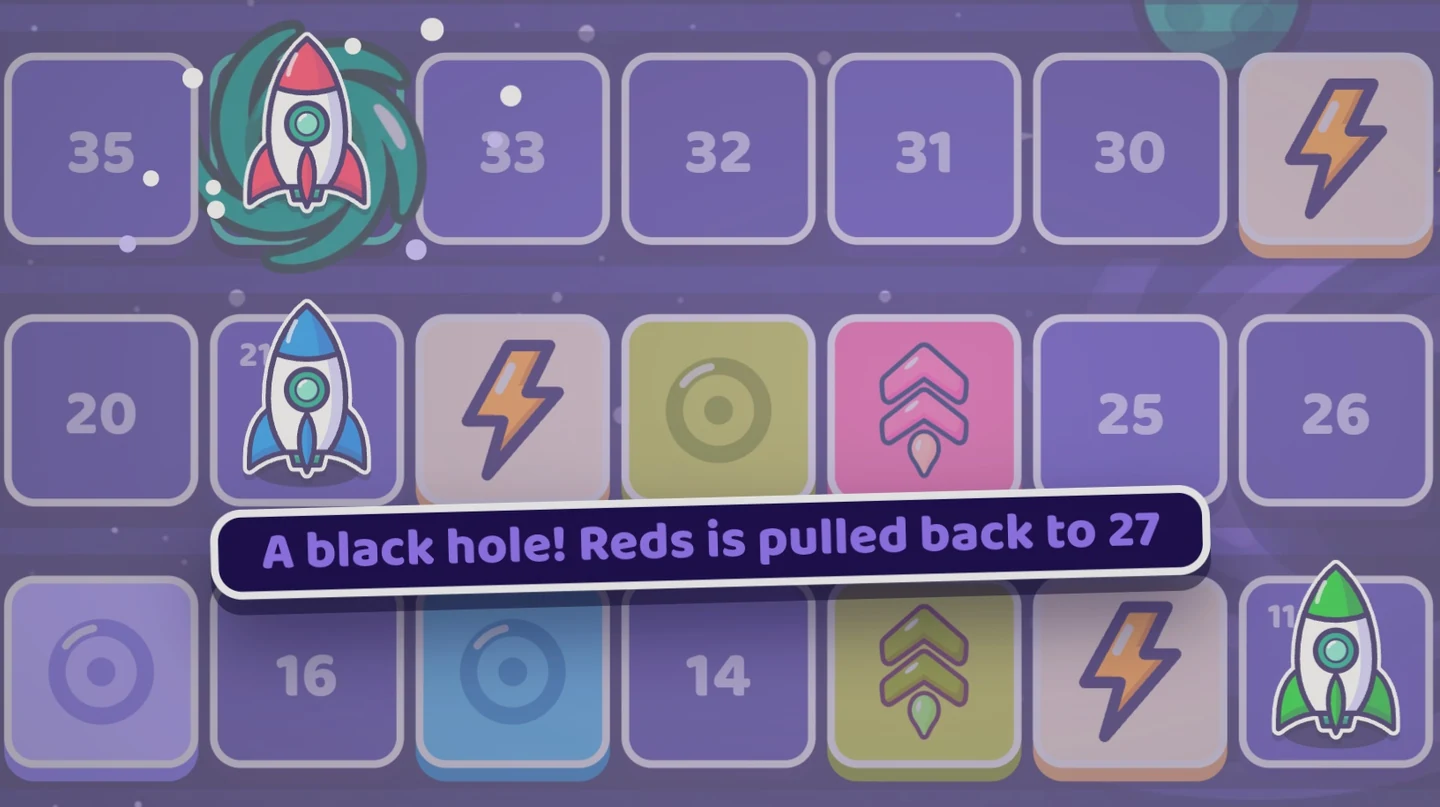
- A black hole. It pulls a rocket back to the ring of its colour.
- A power-up: the light cell with a lightning bolt. A rocket that stops on it picks the power-up up.
- The star. The first crew to reach it wins.
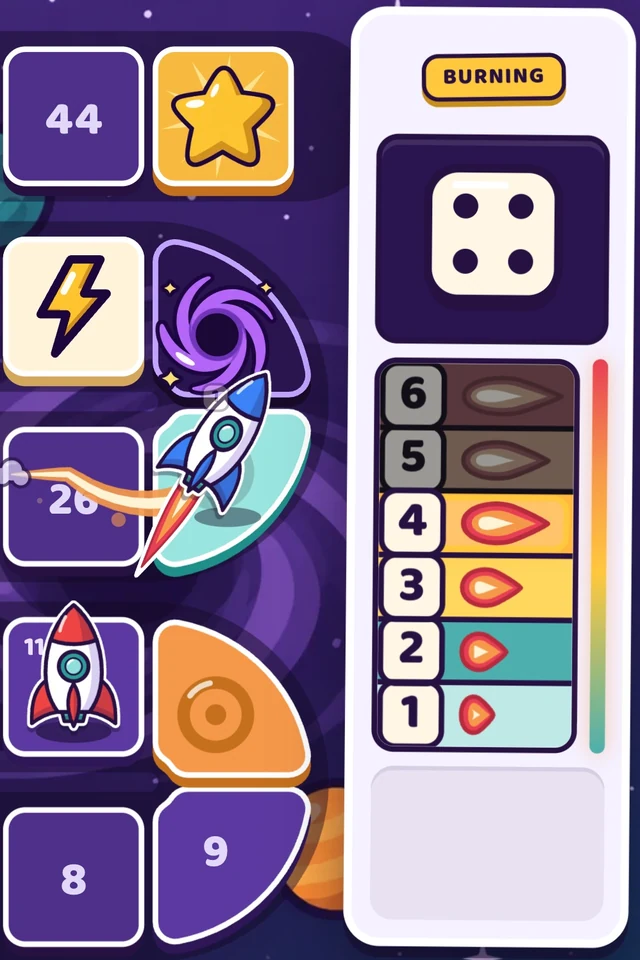
- Whose turn it is, and the die. Press the die to open that crew's question.
- The power-ups of the crew whose turn it is.
A right answer rolls the die
The yellow label above the die names the crew and the student who answers next. Press the die, or anywhere on the board, and their question fills the screen.
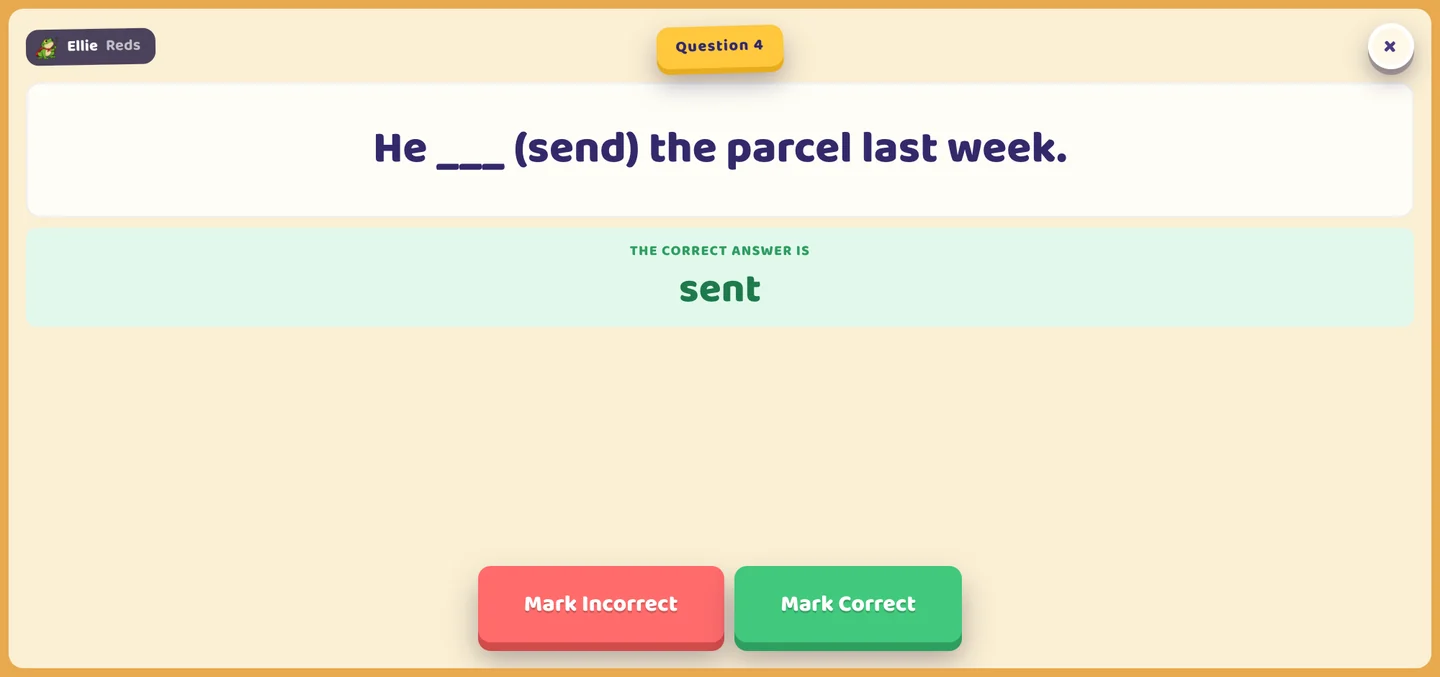
For a choice question, tap the answer the student gives and the game checks it. For an open-ended one, press Reveal Answer, then Mark Correct or Mark Incorrect.
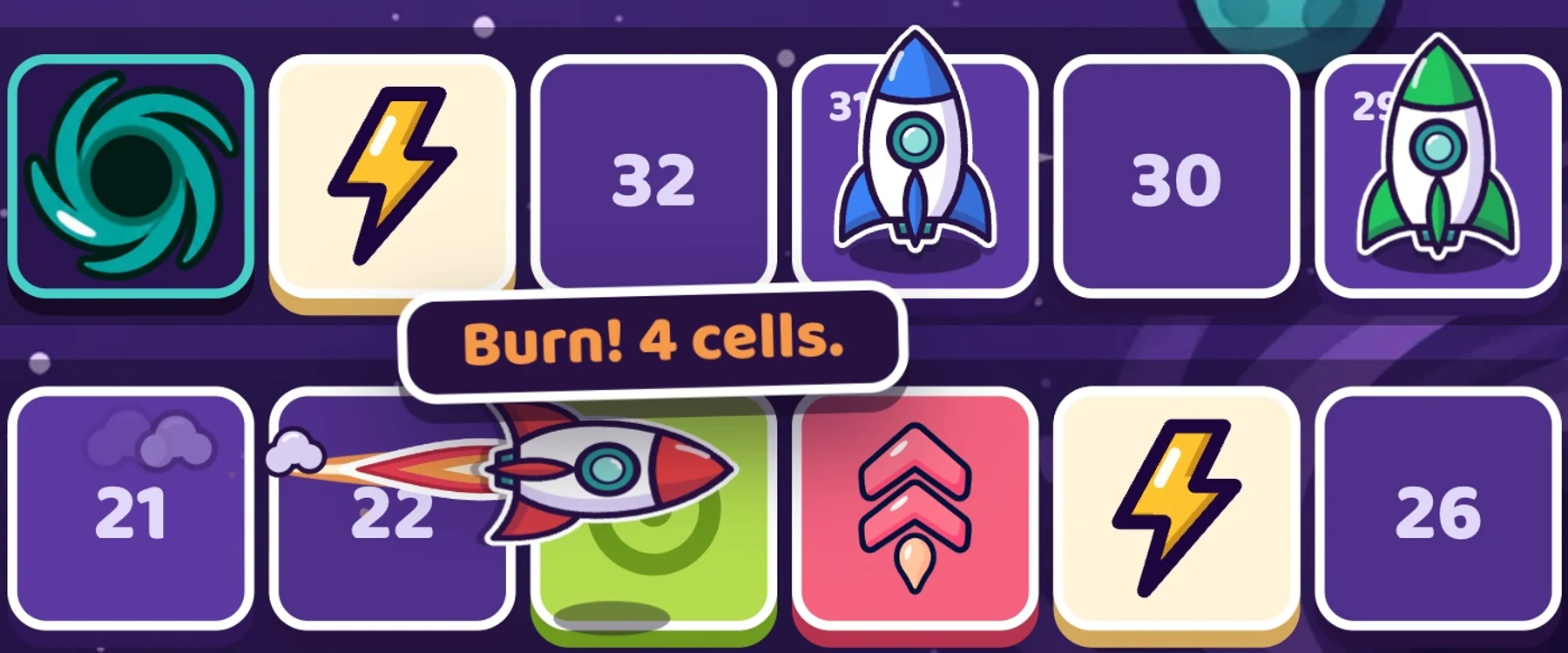
After a right answer the die rolls by itself, and the rocket flies as many cells as it shows. The bars under the die light up to the number rolled.
A wrong answer means no roll, and the turn passes to the next crew. The same happens when the answer timer runs out, if you set one.
Boosters and black holes
Where a rocket stops matters. If it stops exactly on a booster, it is thrown ahead to the ring of the same colour. Flying over a booster does nothing.
A black hole works the other way. It swallows the rocket and drops it on its own ring, further back down the road.
Every booster and every black hole has its own colour, so the class can see where each one leads before anyone stops on it. Now and then, between turns, one of them slides to another place on the road and takes its ring with it.
Power-ups
Power-ups fall onto the road like shooting stars. The cell one lands on turns light and shows a lightning bolt. A crew picks it up by stopping exactly on that cell, and only then does it turn over and show which power-up it is.
Flying over one does nothing, and a power-up nobody reaches disappears after a few turns. A crew can hold up to three, and they wait under the die during its turn. Point at one and the game says what it does.
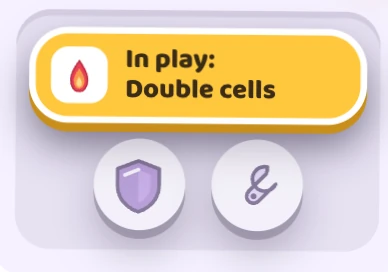
A power-up is played before the question, so the crew has to decide how sure it is. Tap one and it shows as In play. A right answer makes it work, and a wrong answer loses it.
There are eight of them:
- Double cells: the rocket moves twice as far as the die shows.
- Hole shield: the next black hole cannot pull the crew back.
- Extra burn: after this move the crew takes one more, with no question.
- Second try: a roll of 1, 2 or 3 is thrown once more.
- Better odds: two dice are rolled and the higher one counts.
- Almost sure: the roll can only be a 4, 5 or 6.
- Steal cells: the crew takes cells from the crew in the lead.
- Rival trap: the crew you pick may stall on its next move.
Reaching the star
With two crews, the first rocket on the star wins and the match is over.
With three crews or more, the game asks you what to do when the first rocket arrives: Finish & hand out rewards, or Keep playing. If you keep playing, the crews still on the road race for the places that are left.
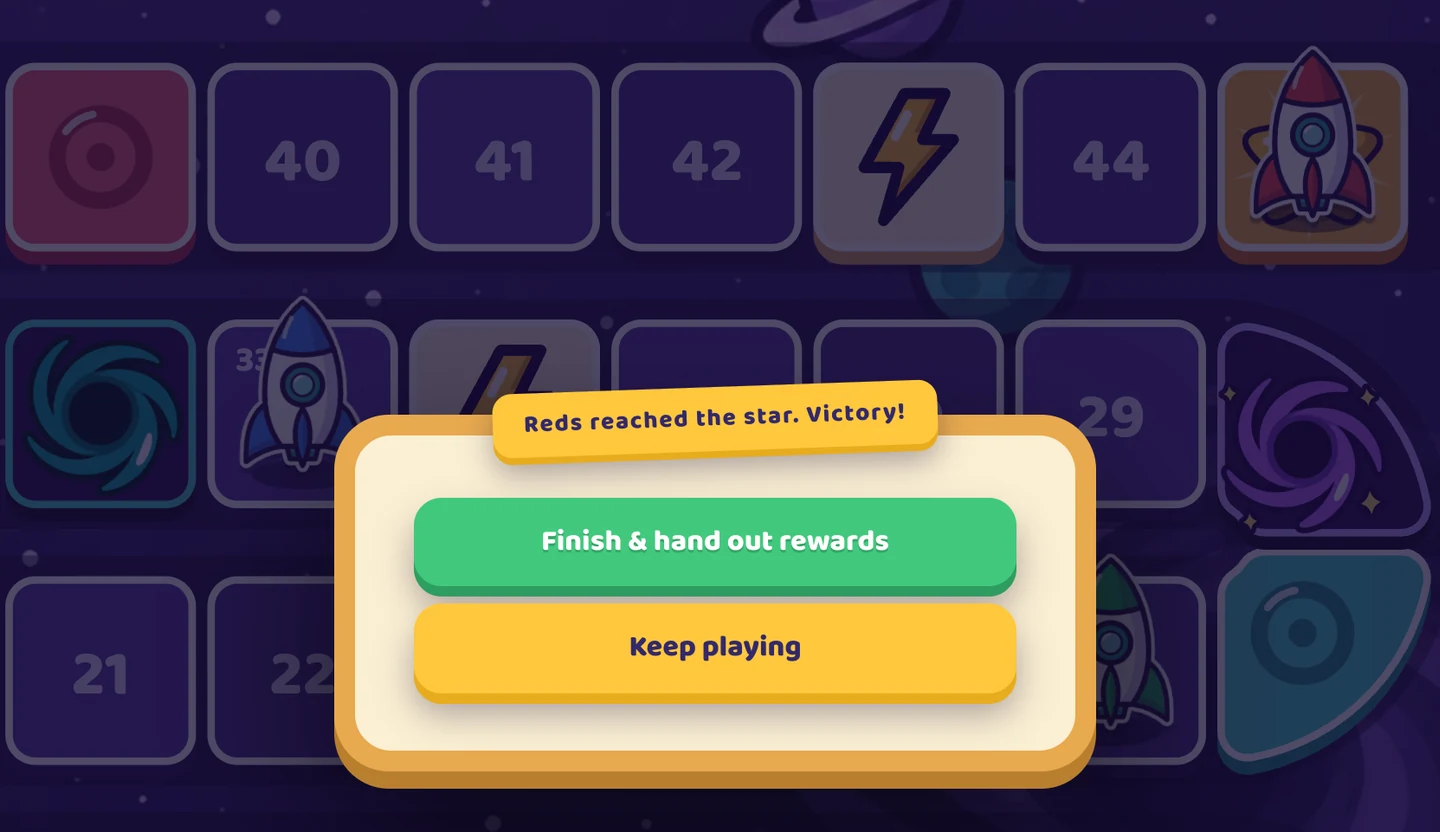
The game asks the same thing when the quiz runs out of questions before anyone reaches the star. Keep playing puts the same questions back in. If you finish there, the crew furthest along the road wins.
The rewards are Learnify points for the first three places. You set them before the game, under Rewards & timer.
- Rockets & Black Holes comes with every paid plan.
- Pause & Exit, the first button in the top left corner, keeps the match. Learniverse offers to continue it when you come back the same day.
- The game has its own music. The speaker button next to Pause turns the sound down or off.